Send SMS from email, reply from your inbox
How to send a text message from email in three steps
(e.g., [email protected]).
Email to SMS use cases for business teams
Everything you need to manage Email to SMS
More ways to reach your
audience with Textmagic
Textmagic gives you multiple ways to reach people by text, from bulk SMS campaigns to API messaging.






Frequently asked questions
Haven’t found what you were looking for? Contact us now
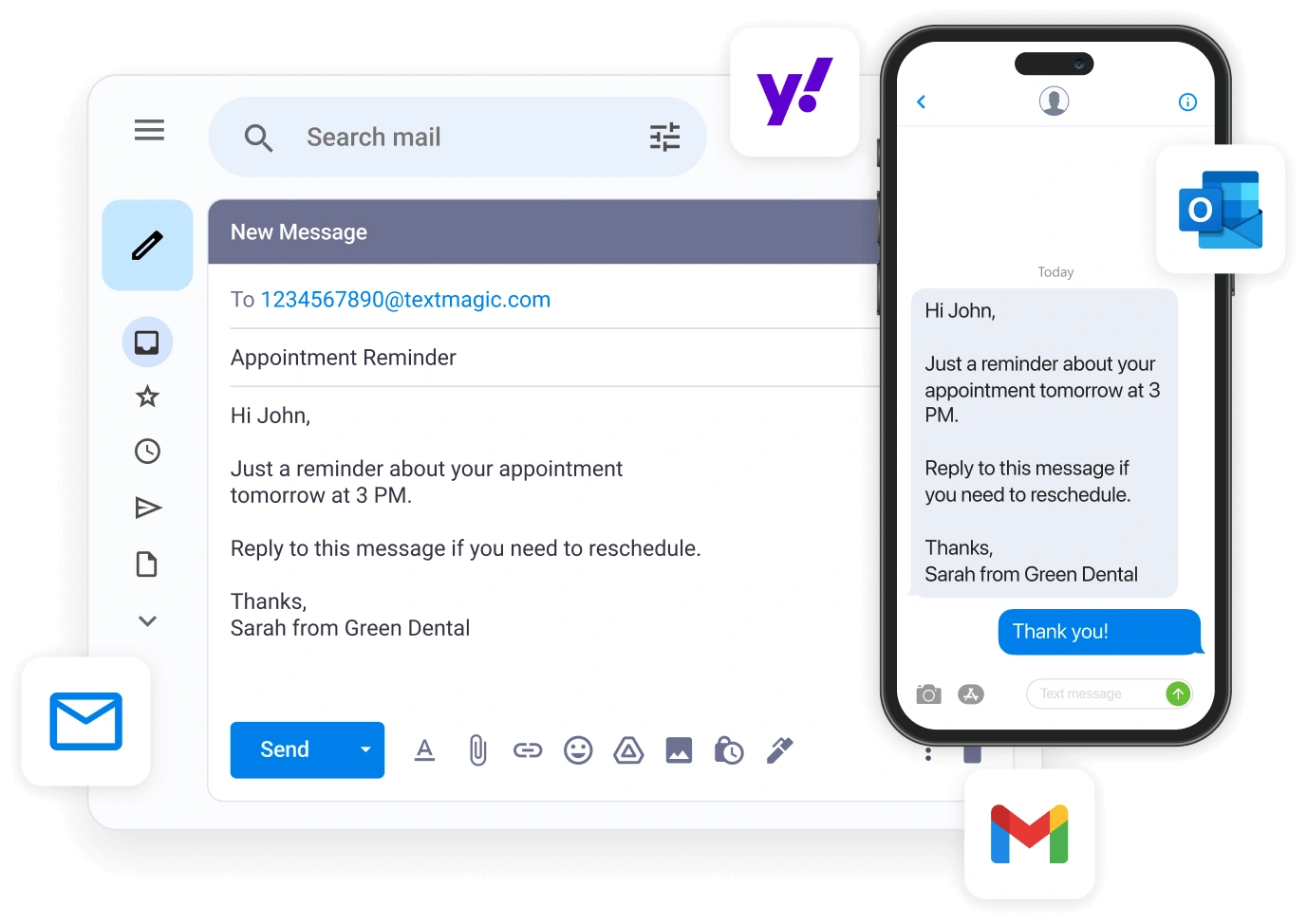
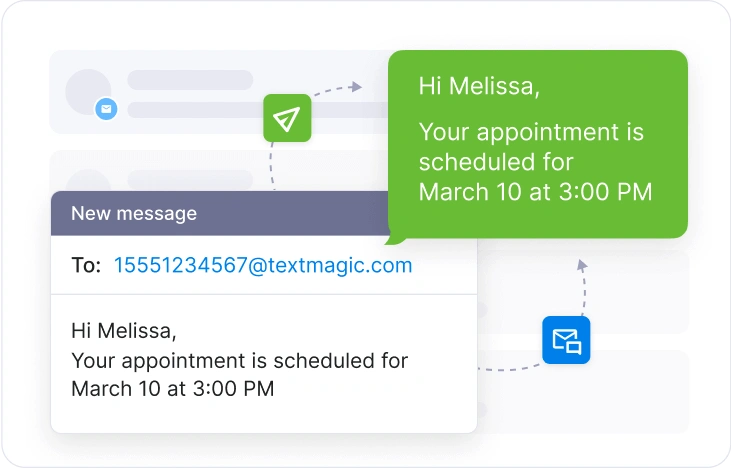
Email to SMS is a service that converts a regular email into a text message delivered to a mobile phone. You send an email from your existing inbox addressed to a phone number at a gateway domain (for Textmagic, that's [email protected]). The gateway converts the email into an SMS and delivers it to the recipient's phone within seconds.
Unlike carrier email-to-text gateways, which were free bridges maintained by AT&T, Verizon, and T-Mobile (and have since been shut down), a business-grade Email to SMS service routes messages through dedicated SMS infrastructure. This means reliable delivery across all carriers, two-way replies back to your inbox, message logs, and delivery tracking.
The email to SMS gateway is a cheap and convenient way of sending and receiving texts via the email application you are already familiar with.
Here’s how you can configure email to text with our SMS gateway:
- Step #1: Activate texting on your email address by adding it to the allowed list.
- Step #2: Select the content you want to include in the SMS message, as well as maximum length, in the Send & Receive Settings.
- Step #3: Now you are ready to send text to email.
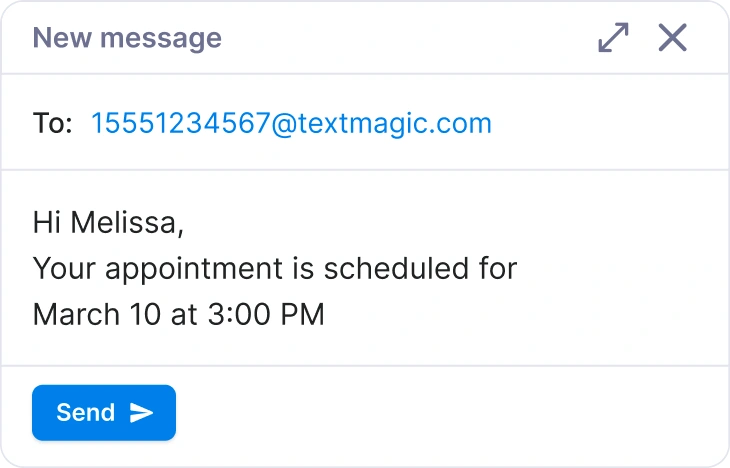
The process is just like sending a normal email. Add the recipient’s address as countrycode [email protected], type your message and click Send.
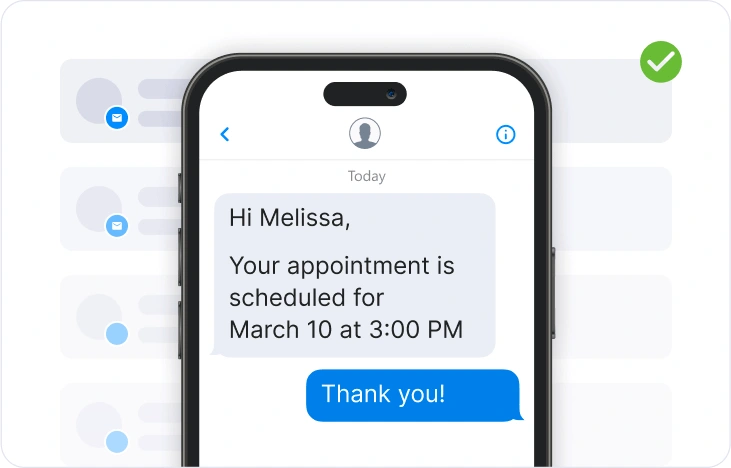
If anyone replies to your text, you will receive it via email and SMS Chat.
The number recipients see is determined by your sender settings in Textmagic, specifically the number configured for the recipient's country in your Sender Settings.
For businesses sending to recipients in the United States and Canada, a registered virtual number is required for messaging compliance. A toll-free number is the recommended option for most Email to SMS use cases. Registration is straightforward and typically takes up to 5 business days. You can learn more about the verification process here.
Scheduling is handled directly from your email client. Gmail's Send Later, Outlook's Delay Delivery, and Apple Mail's Send Later all work natively with Email to SMS.
Yes. Textmagic’s Email to SMS feature allows you to send messages to multiple recipients at once. You can include several phone numbers in the "To" field or use a distribution list to send a single message to multiple contacts.
You can set up SMS distribution lists to automatically reach out to multiple subscribers at the same time. Distribution lists can be set up from the Distribution Lists page.
We recommend that you use a distribution list to receive SMS notifications from third-party services. Please do the following:
- Step #1: Create a distribution list.
- Step #2: Create a rule and organize forwarding to your distribution list email address in Gmail.
- Step #3: When we receive an email from you, we will automatically forward a text message to all recipients in your list.
Yes. You can manage and edit authorized email addresses in Textmagic. To edit an email address:
- Step #1: Go to Services → Email to SMS.
- Step #2: Click the More icon next to the email you want to change.
- Step #3: Select Edit settings and make the necessary updates.
- Step #4: Click Save to apply changes.
When someone replies to your message, you’ll receive it as an email, and you can respond either directly from your inbox or via the SMS Chat page.
Between late 2024 and June 2025, all three major U.S. carriers shut down their public email-to-text gateways - AT&T (@txt.att.net, @mms.att.net), Verizon (@vtext.com, @vzwpix.com), and T-Mobile (@tmomail.net) - due to spam abuse and reliability issues. Textmagic routes messages through dedicated SMS infrastructure instead, so the workflow from your side stays the same.
Carrier email-to-text gateways were free, address-based bridges run by major carriers like AT&T, Verizon, and T-Mobile. They were a convenience side effect of how SMS gateways were configured in the 2000s with no delivery guarantees, analytics, or support, and you couldn’t reliably reach recipients on a different carrier than the gateway you used.
An email-to-SMS service (sometimes called an email-to-SMS gateway) is a managed business service. You send from any email client, and the provider handles routing across all carriers, delivery tracking, reply handling, message logs, and compliance. Textmagic’s Email to SMS does this and more.