Australian bulk SMS service for fast, compliant messaging
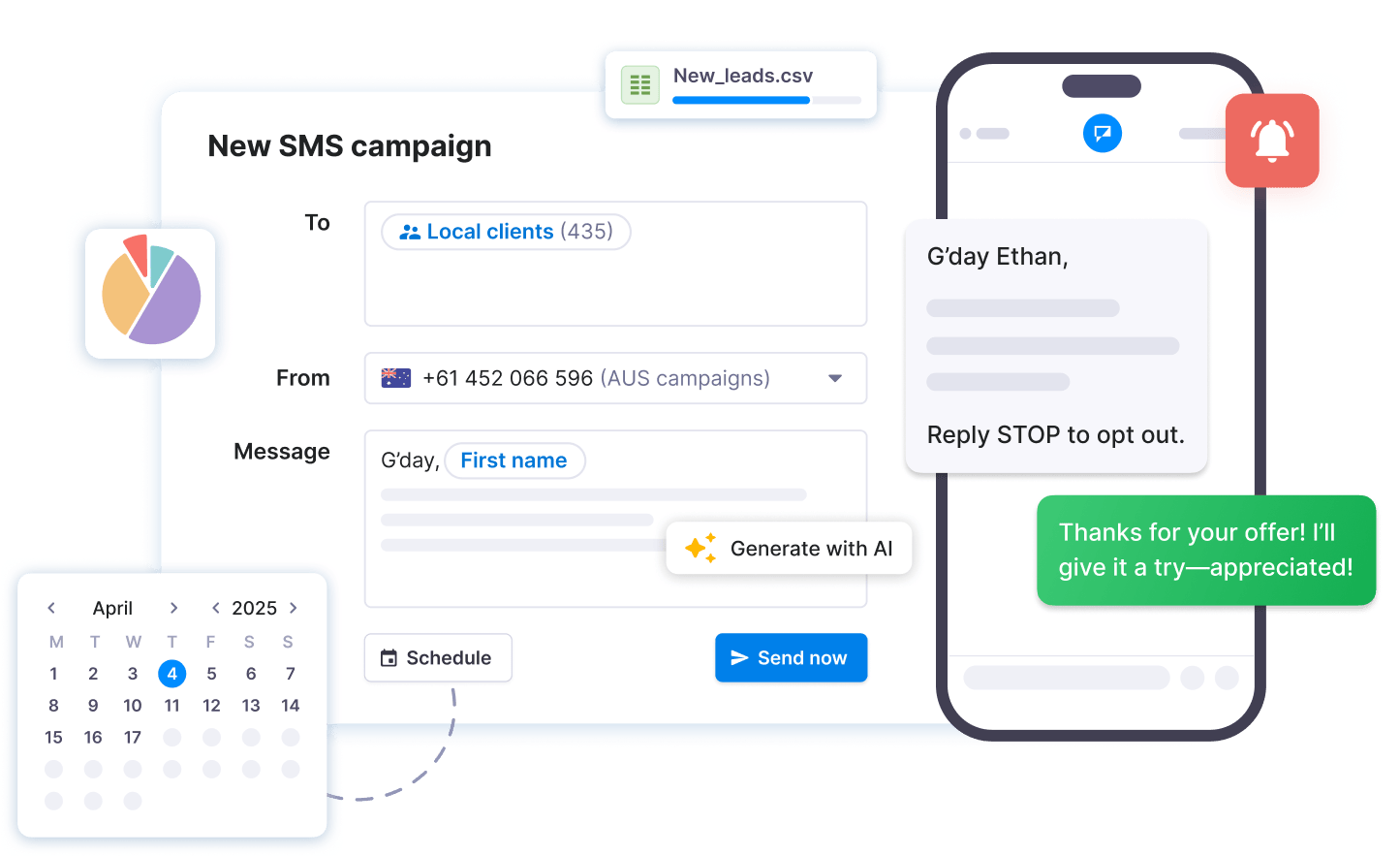
Everything you need to run
bulk SMS campaigns
Reach thousands of Australian customers in minutes and know exactly who got your message and who wrote back.
- Bulk SMS campaigns
- Two-way SMS inbox
- Contact management
- Embeddable subscribe forms
- Dynamic fields
- Scheduled & recurring texts
- Opt-out management
- Dedicated business numbers
- ACMA sender ID registration
- SMS surveys
- API & Zapier integrations
- Auto-responders
- Reporting & analytics
- SOC2 & GDPR compliance
See how easy it is to send SMS broadcasts with Textmagic
Why Australian businesses choose bulk SMS
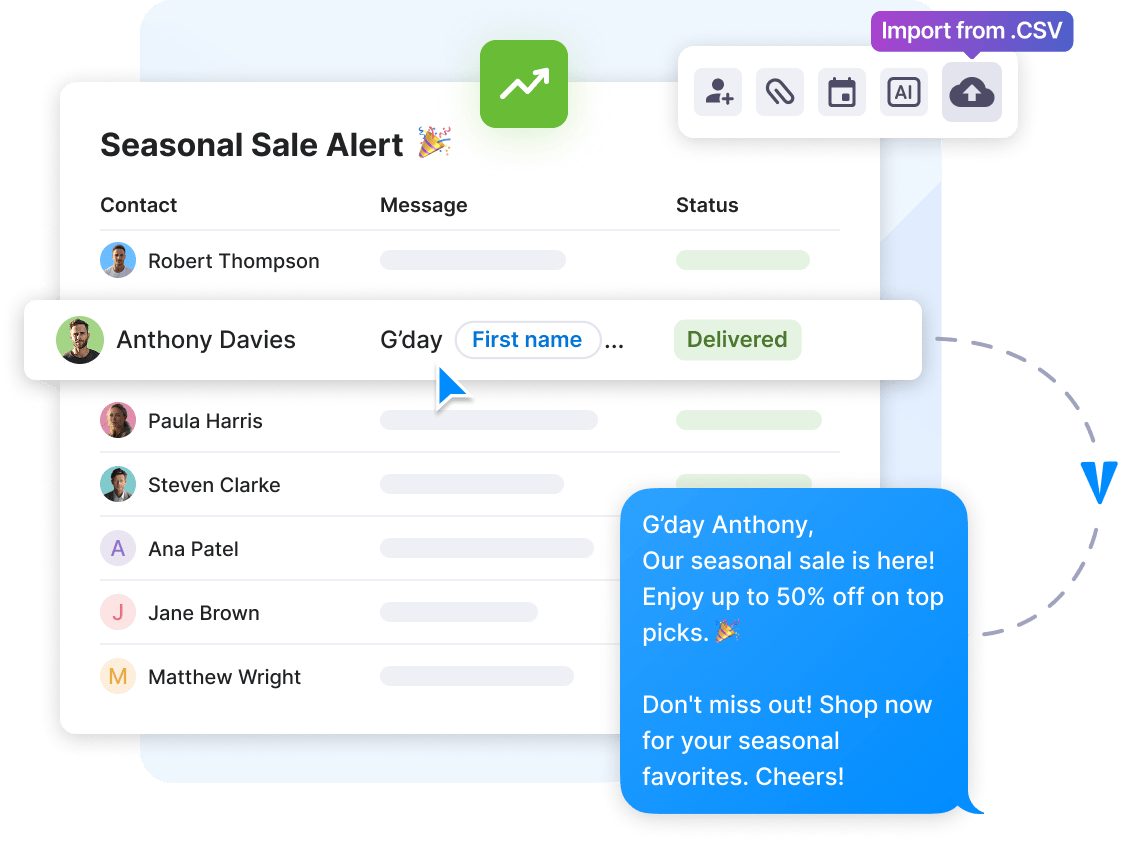
One campaign reaches 10 or 10,000 Australian numbers in minutes. Each text is personalised with the customer's name, sent under your brand, and tracked from delivery to reply.Event reminders that fill the room. Flash sales that sell out by the afternoon. Order updates customers actually read. Whatever the message, it goes out in one send, with opt-outs and compliance handled in the background.
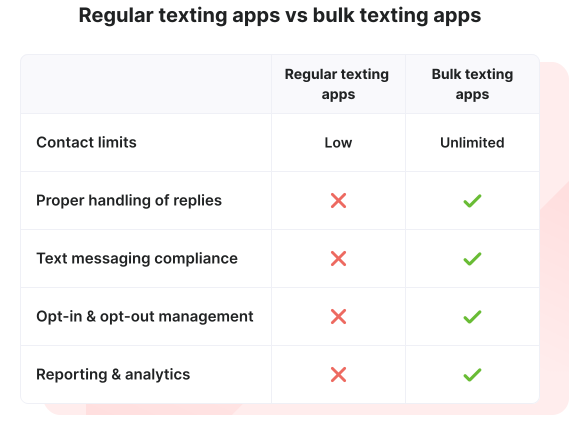
Texting is transforming the way businesses communicate
SMS consistently outperforms email for urgent business communication.
Text messaging is the most widely used communication channel in the world.
SMS drives up to 8x more clicks and replies than email marketing.
Text reminders are extremely effective at preventing missed appointments.
Engage every audience with targeted bulk SMS
Compliant SMS for Australian businesses
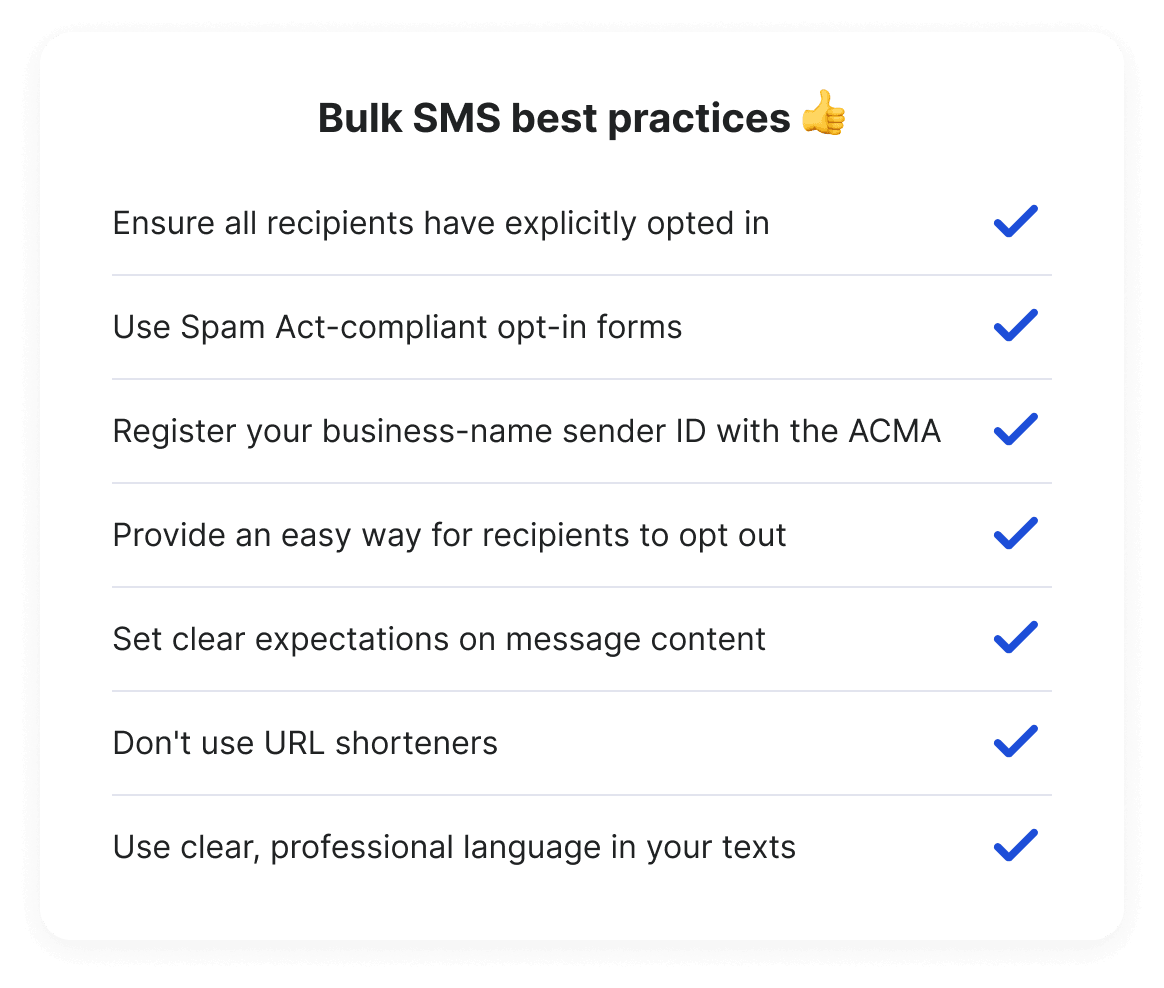
Consent, sender identification, a working unsubscribe: the Spam Act's three rules, built into every campaign.
- Transparent consent management: Use our SMS subscribe forms to collect recipient consent.
- Message data security: Your text data is encrypted and securely stored.
- Automatic opt-out handling: Manage recipient preferences with built-in opt-out features.
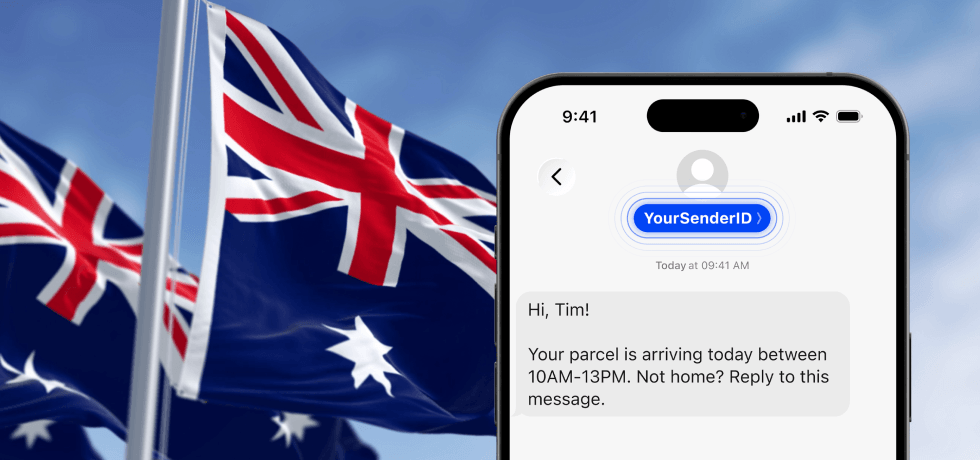
- ACMA sender ID registration: Register directly from your Textmagic account, so texts show your brand, not 'Unverified.'

Intercom
Live chat

Zendesk
Ticketing system

Asana
Project management

Mailchimp
Email campaigns

Zoho CRM
CRM

Shopify
eCommerce
Intercom
Live chat
Zendesk
Ticketing system
Asana
Project management
Mailchimp
Email campaigns
Zoho CRM
CRM
Shopify
eCommerce
Intercom
Live chat
Zendesk
Ticketing system
Asana
Project management
Mailchimp
Email campaigns
Zoho CRM
CRM
Shopify
eCommerce
Intercom
Live chat
Zendesk
Ticketing system
Asana
Project management
Mailchimp
Email campaigns
Zoho CRM
CRM
Shopify
eCommerce

Slack
Team chat

Pipedrive
CRM

Google Drive
Cloud storage

Google Calendar
Events & meetings

Gmail

Trello
Project management
Slack
Team chat
Pipedrive
CRM
Google Drive
Cloud storage
Google Calendar
Events & meetings
Gmail
Trello
Project management
Slack
Team chat
Pipedrive
CRM
Google Drive
Cloud storage
Google Calendar
Events & meetings
Gmail
Trello
Project management
Slack
Team chat
Pipedrive
CRM
Google Drive
Cloud storage
Google Calendar
Events & meetings
Gmail
Trello
Project management

Bandwidth
CPaaS

Vonage
CPaaS

Twilio
Cloud storage

Sinch
CPaaS
Bandwidth
CPaaS
Vonage
CPaaS
Twilio
Cloud storage
Sinch
CPaaS
Bandwidth
CPaaS
Vonage
CPaaS
Twilio
Cloud storage
Sinch
CPaaS
Bandwidth
CPaaS
Vonage
CPaaS
Twilio
Cloud storage
Sinch
CPaaS
Seamless integration with 1,000+ business apps
Improve efficiency with automated messaging workflows. Our no-code Zapier integrations and robust APIs connect TextMagic to all your favorite apps and tools.
Our commitment to your data security
Textmagic is SOC 2 Type II certified. This confirms that our information security practices, policies, procedures, and operations meet the highest security standard. Our Information Security Program is also communicated throughout the organisation with the help of Secureframe.
Since 2017, Textmagic has dedicated considerable resources to fully comply with the EU data protection requirements set forth by the General Data Protection Regulation ("GDPR"). View our dedicated GDPR page for more info about our security and compliance roadmap.
Explore mass texting articles and guides
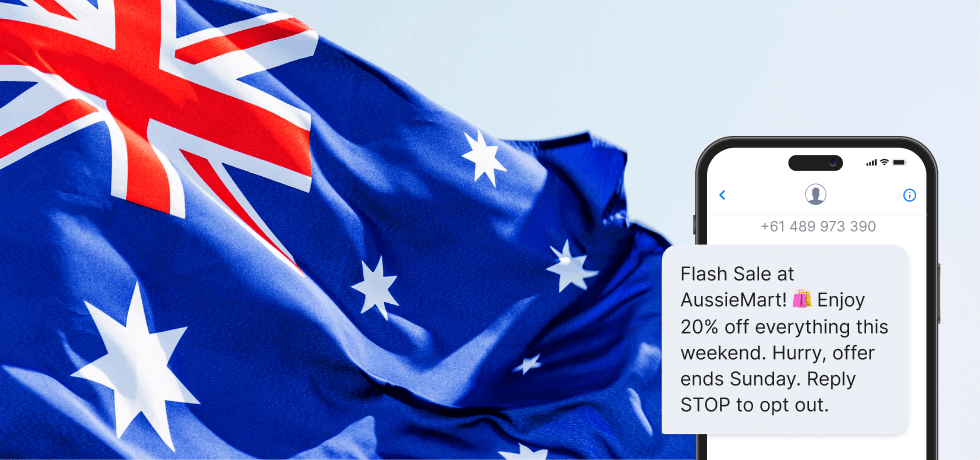
Trusted by 3,000+ Australian businesses


”The ability to schedule automated SMS reminders is a game-changer. It saves our staff hours each week and improves patient attendance.”
“What started as a necessity became a core part of how we communicate with guests. Guest communication is faster, more consistent, and more professional than it was when we were stuffing envelopes.”




“Choosing Textmagic for our medical practices was the best decision for our business! Patient communication at its best!”






Bulk text messaging FAQs
Everything you need to know about bulk SMS services in Australia.
You'll need a sender: either a dedicated Australian virtual number, or a custom sender ID, which requires approval and ACMA registration before you can start sending. For detailed steps, check out our support guide on texting in Australia.
To purchase and set up a dedicated virtual number with Textmagic:
- Step #1: Log in to your Textmagic account and go to Services → Sender Settings → Numbers.
- Step #2: Click Buy new number.
- Step #3: Select the desired country and choose your number from the available list. The monthly price is shown automatically.
- Step #4: Assign the number to the appropriate account.
- Step #5: Click Activate number and configure call forwarding if needed.
- Step #6: Hit Continue to complete the setup.
Once activated, you can send and receive messages on your Australian virtual number — no ACMA registration needed for numbers.
To apply for a Sender ID in your Textmagic account:
- Step #1: Log in and go to Services → Sender Settings → Sender IDs.
- Step #2: Click Apply for a Sender ID.
- Step #3: Enter your desired Sender ID (up to 11 characters, letters and numbers only) and briefly explain how you'll use it.
- Step #4: Make sure the Sender ID is clearly related to your business name (it cannot be generic or unrelated).
- Step #5: Click Apply now to submit your request.
- Step #6: Complete ACMA registration when prompted.
Once approved and registered, you can send one-way outbound SMS to Australian mobile numbers using your Sender ID as the sender name. If you need customers to reply, use a dedicated virtual number instead.
To send multiple messages at once using Textmagic:
- Step #1: Log in to your Textmagic account.
- Step #2: Go to Compose
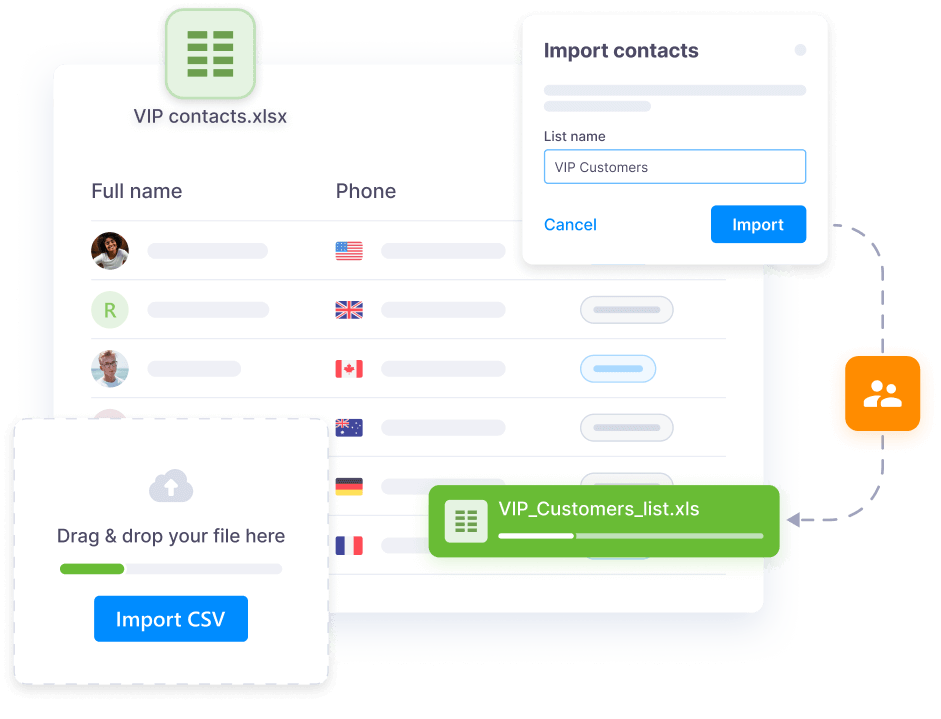
- Step #3: Add recipients manually, upload a file, or select a saved contact list.
- Step #4: Write your message. You can use dynamic fields and templates to personalise each SMS.
- Step #5: Choose to send it immediately or schedule it for later.
- Step #6: Click Send to launch your broadcast.
You can then track delivery and replies for the whole campaign in real time.
Yes. Textmagic allows you to schedule messages for specific dates and times, so you can prepare and automate your SMS campaigns. This is useful for appointment reminders, event announcements, or marketing messages that need to go out at optimal times.
Textmagic automatically tracks and processes opt-out requests. When a recipient replies with a keyword like STOP, they are instantly added to your unsubscribe list and won’t receive future messages.
You can view and manage opt-outs by going to Contacts → Unsubscribed. From there, you can review details or manually remove contacts if needed. This helps you stay compliant and respect customer preferences effortlessly.