Business text messaging service for marketing and communication
The all-in-one solution for all your business texting needs - marketing campaigns, two-way SMS chats, reminders, notifications, and internal staff communication.
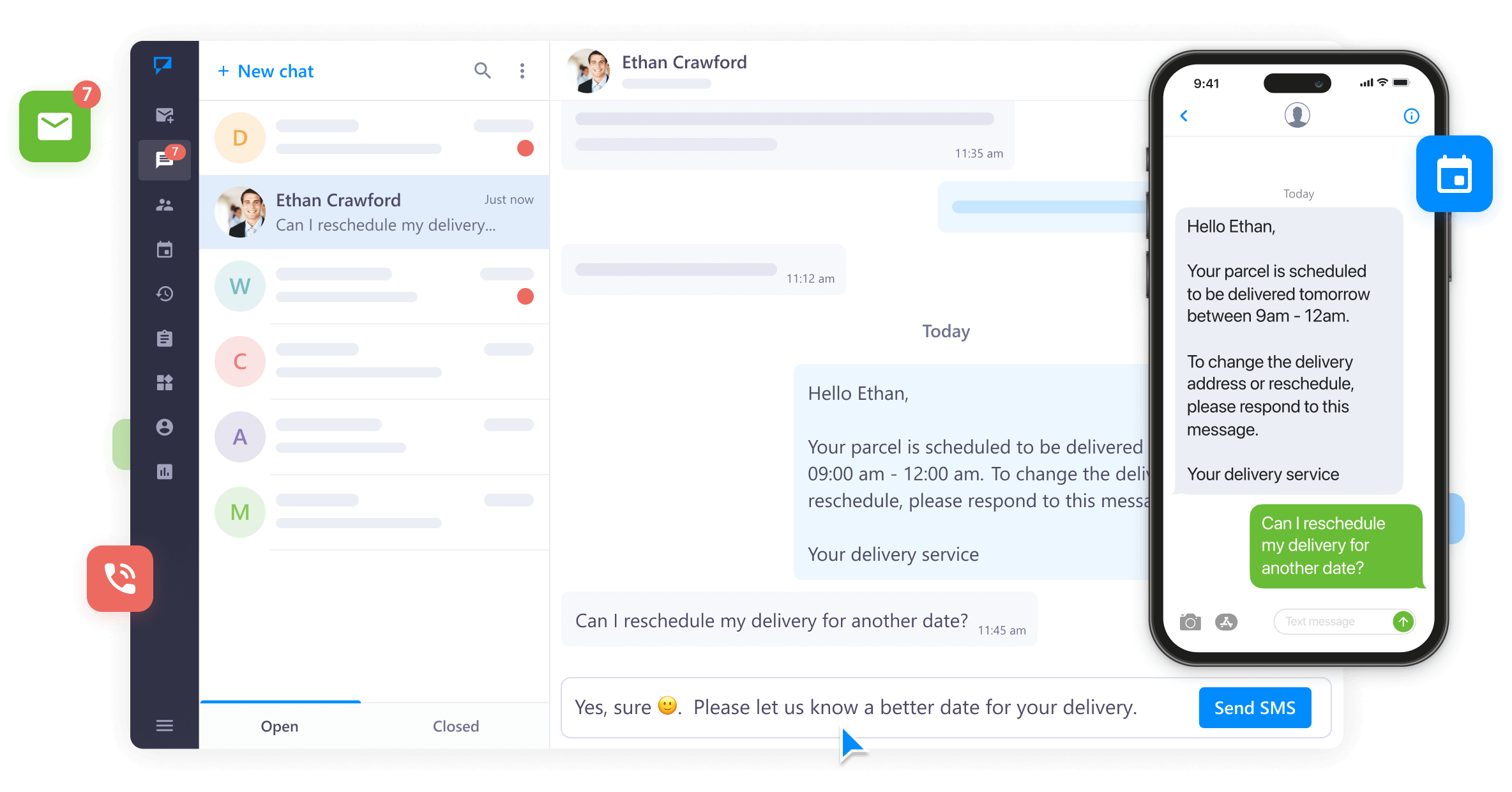




Connect with your customers, partners, and staff and ensure quick and reliable communications from a single messaging platform.
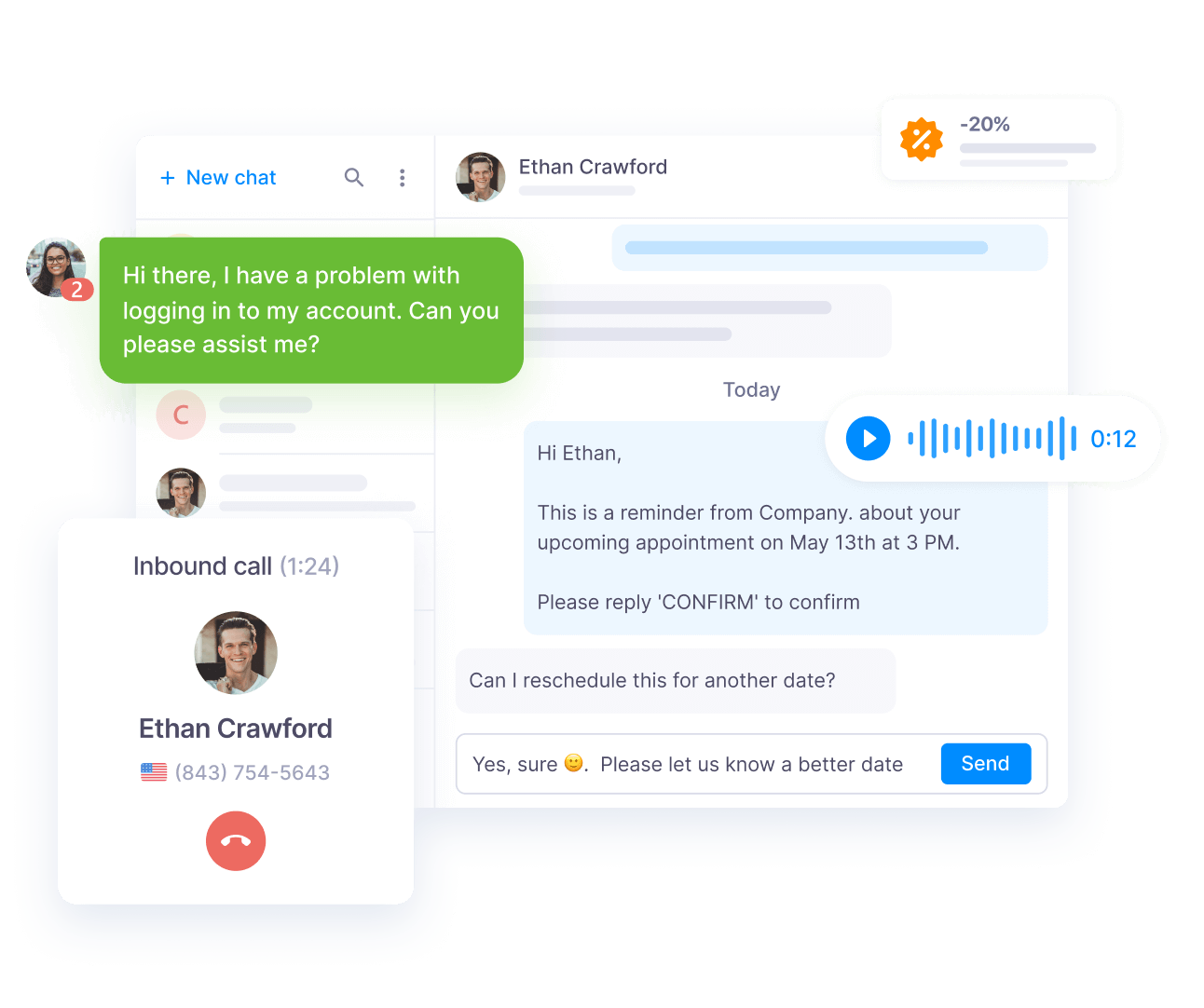
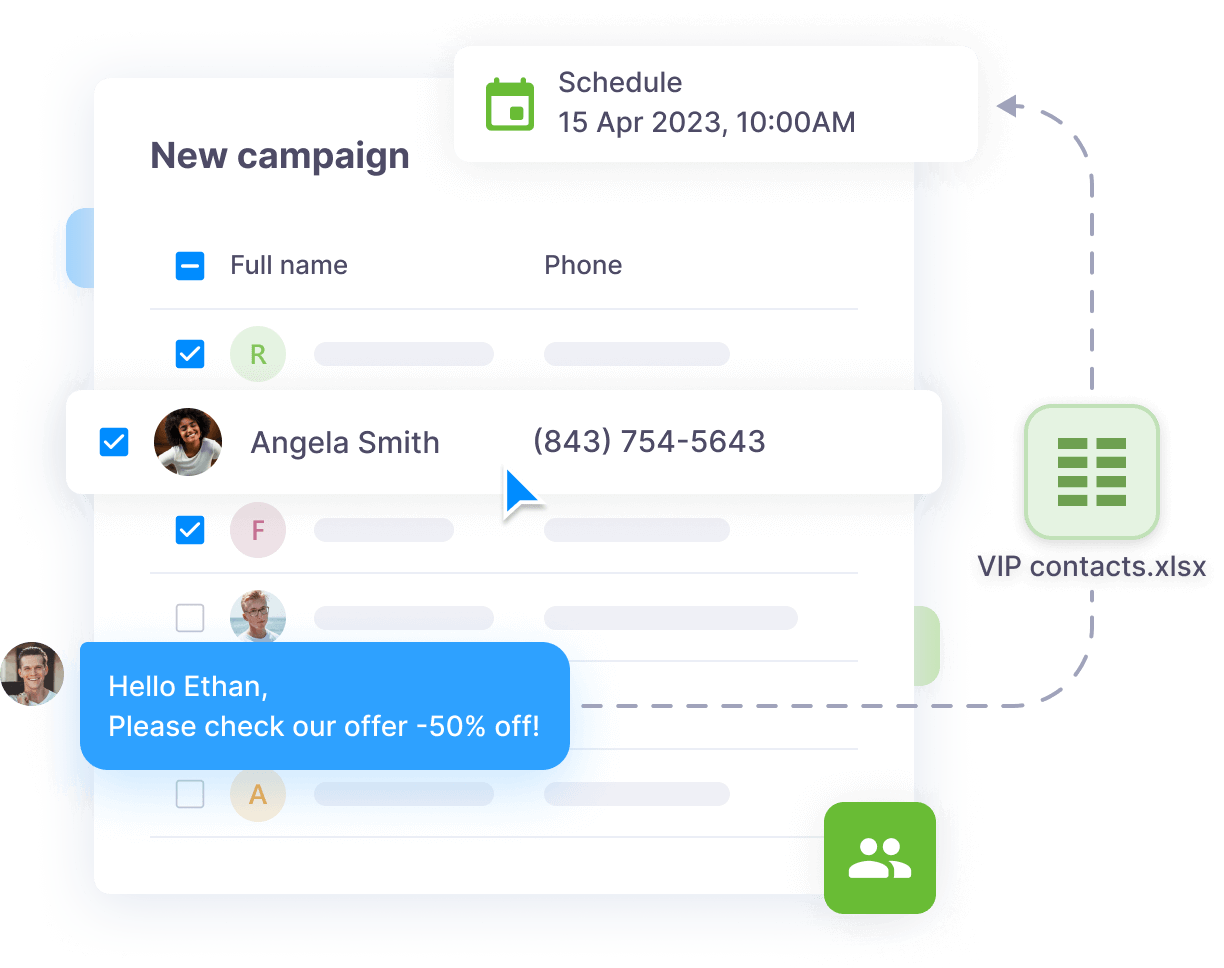
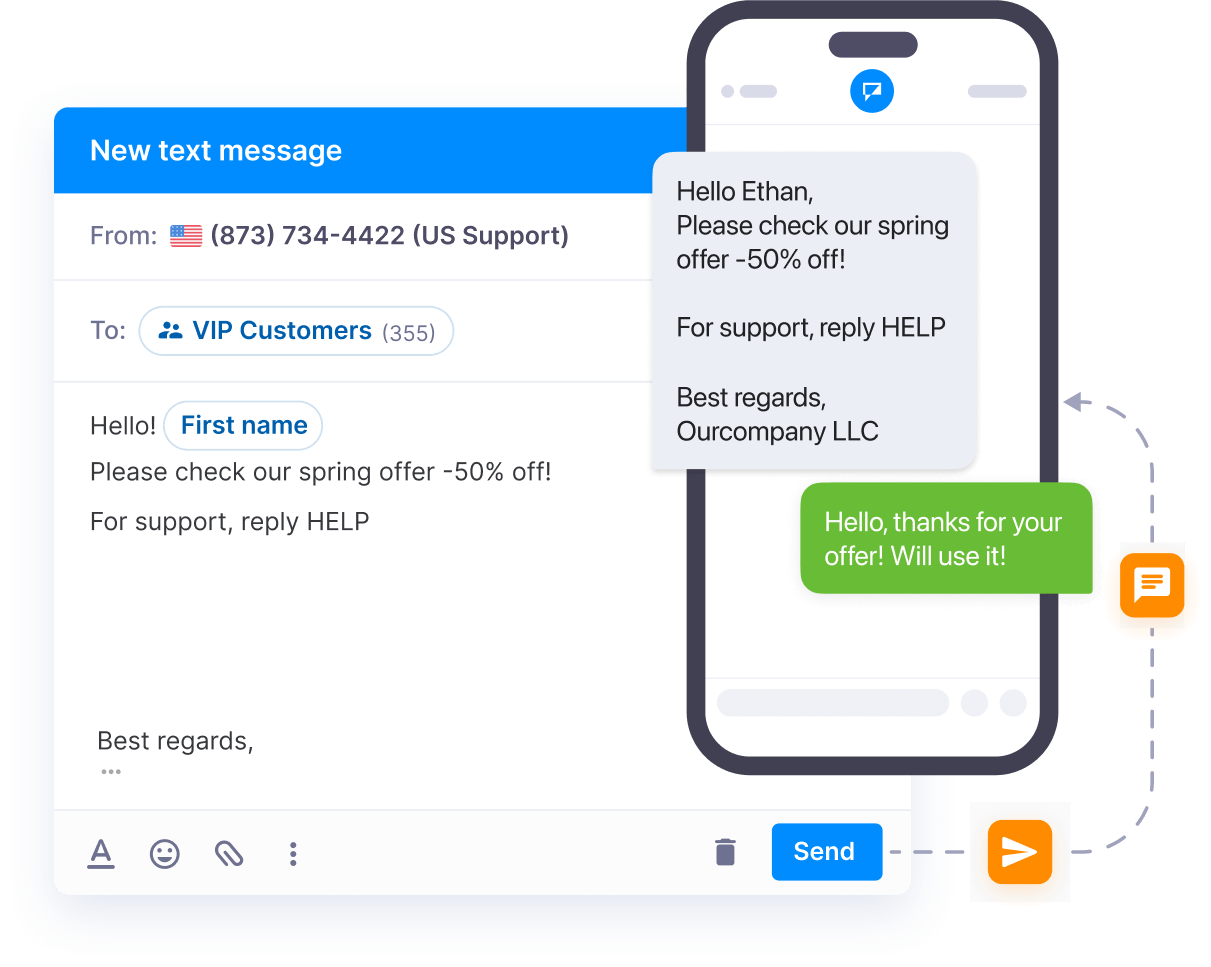
Discover the limitless possibilities of our business text messaging platform - improve communication, elevate SMS marketing, and improve customer service with conversational two-way texting.
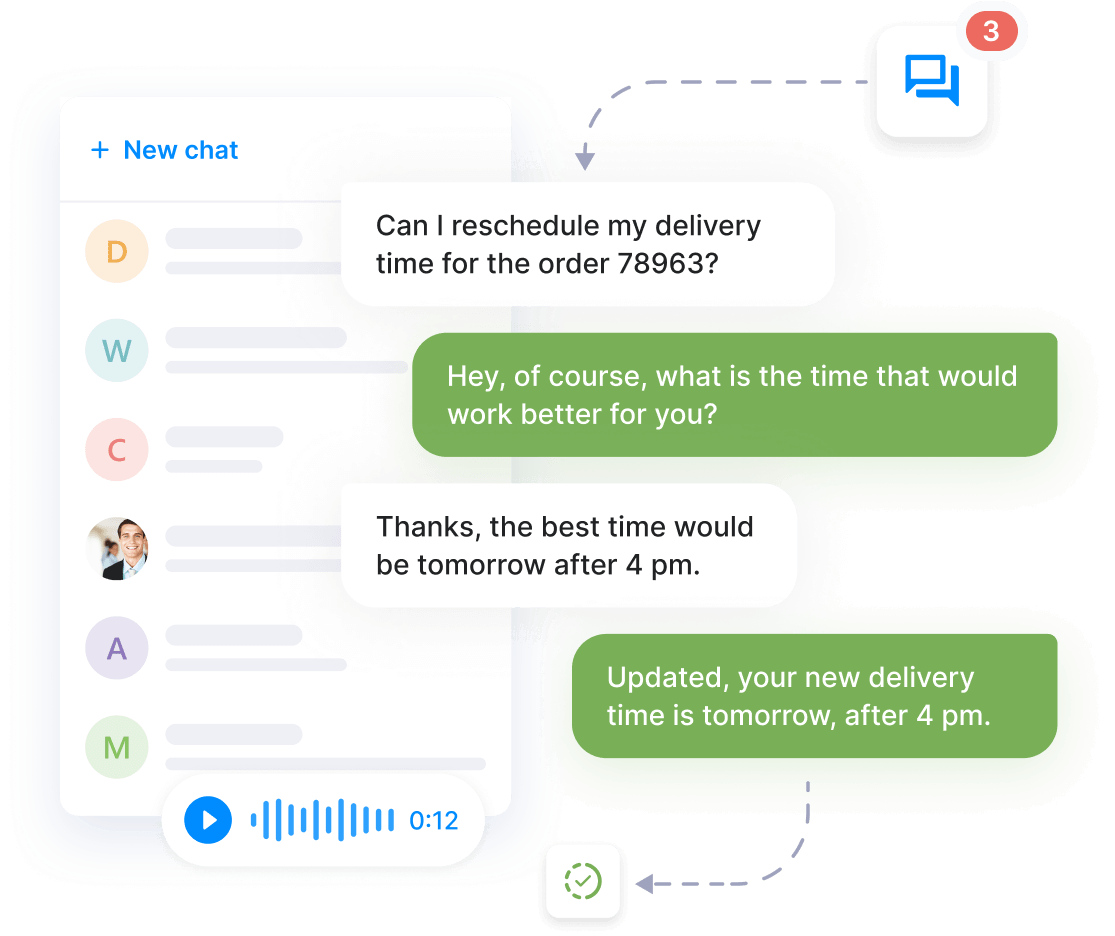
SMS chat is the perfect tool for maintaining strong connections with customers while on the move. With instant two-way texting, you can quickly address their queries and build long-lasting relationships.
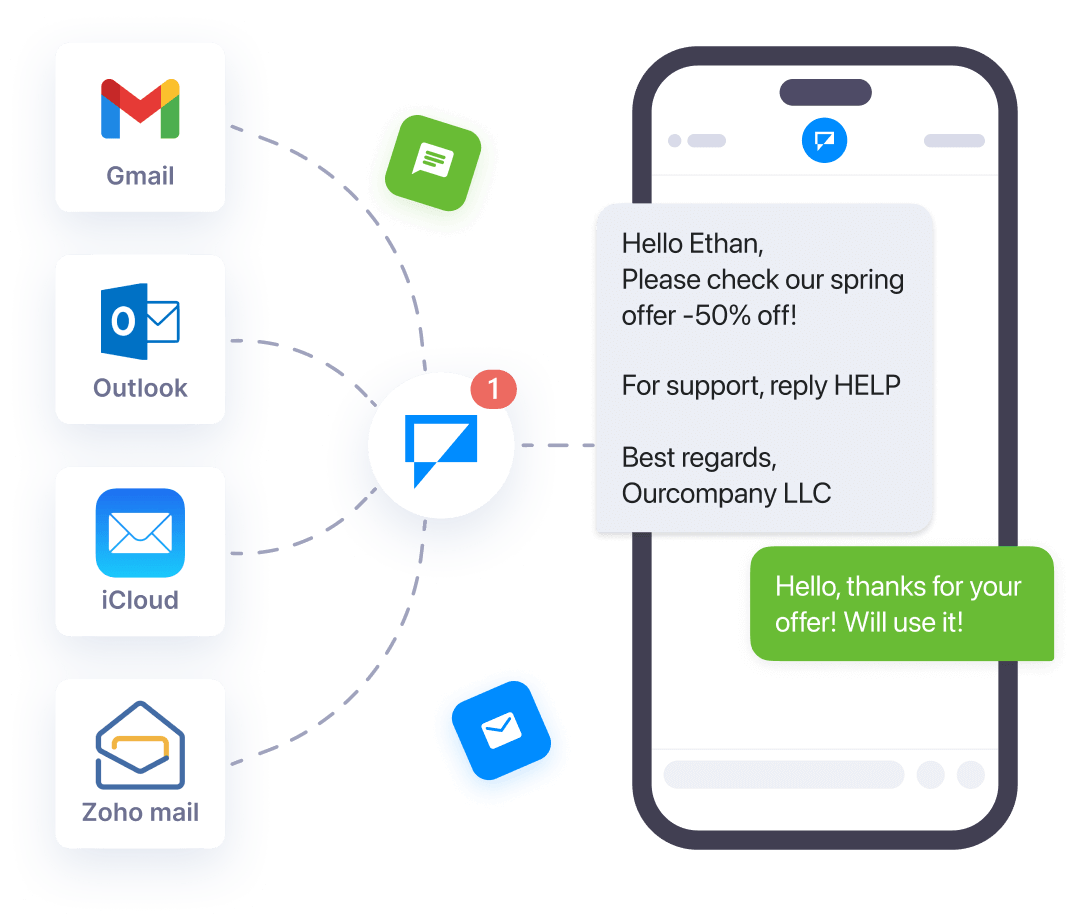
Connect Textmagic to your helpdesk ticketing software or any essential app via API, Email to SMS, or Zapier. This ensures multi-channel, next-level support for enhanced customer interactions.
Improve your products and services by sending SMS surveys after key touchpoints such as purchases, customer service interactions, events, or promotions, gaining valuable feedback directly from your audience.
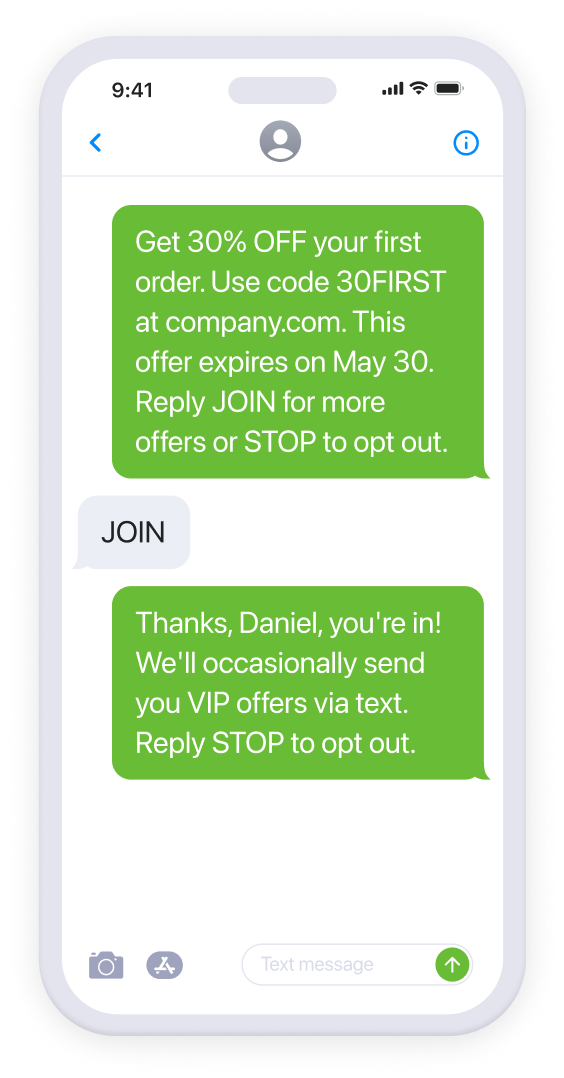
Surprise your customers and build lasting relationships by crafting personalized deals with custom links, coupons, or discount codes. Watch sales soar as customers happily redeem their exclusive offers!
Create a buzz around a new product or service by alerting your subscriber list via SMS campaigns ahead of the official release, giving them a heads-up so that they can be among the first to explore and purchase your new offering.
Send revenue-driving reminders to customers who added products to their cart but didn't finalize the purchase. Give them a nudge or offer an incentive to encourage completion and boost conversion rates.
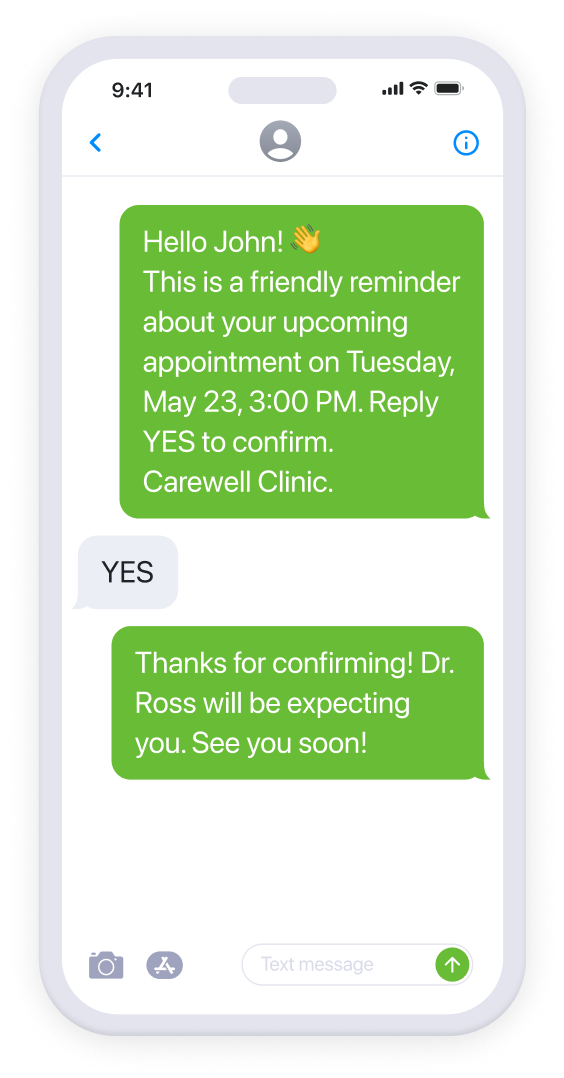
Missed appointments are both inconvenient and costly. To prevent that from happening, send a friendly reminder text message to clients a few days, hours, or minutes before their scheduled appointment.
Inform clients about their scheduled service slots, whether for car maintenance, house cleaning, or repair work. Timely reminders help clients to prepare, ensuring smoother service execution for both parties.
Enhance patient engagement by allowing patients to confirm, reschedule, or cancel their appointments with a simple text message. Keep your scheduling smooth and allow clients to manage appointments on the go.
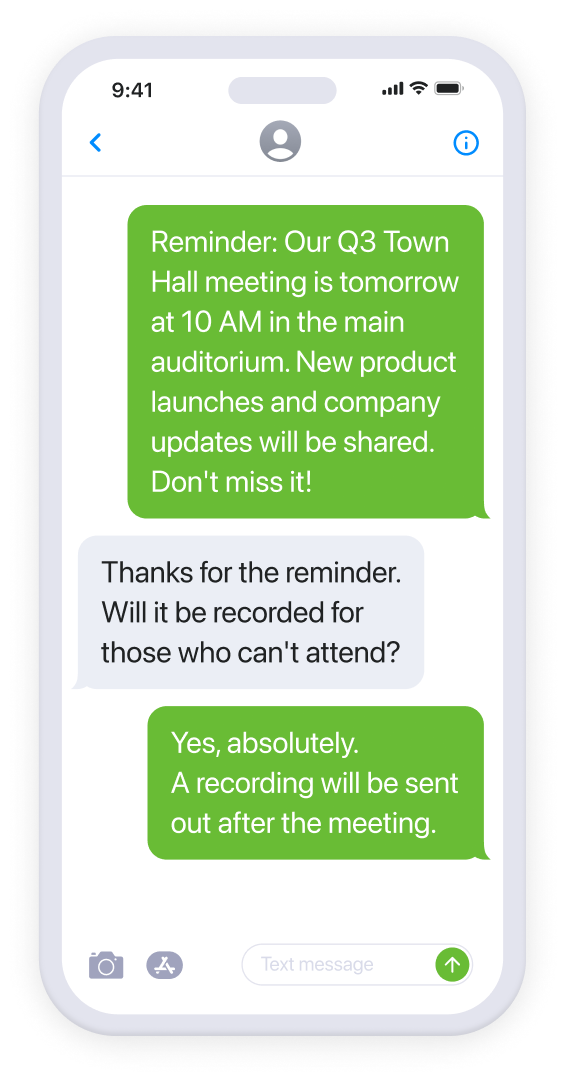
Keep your staff and teams up-to-date on new products, services, policy changes, events, and deadlines. You can also schedule personal reminders and send to-do lists to increase productivity.
To ensure seamless operations and minimize disruption, alert your staff when internal systems, software, or tools are down for scheduled maintenance or if they are experiencing unexpected technical issues.
Notify employees about upcoming safety exercises, evacuation drills, and training sessions on handling emergencies. Regular updates and instructions enhance staff readiness and foster a safer workplace environment.
Delight attendees with personalized invites for events, seminars, or workshops and allow them to RSVP directly via text. Adding a personal touch increases engagement and boosts event attendance.
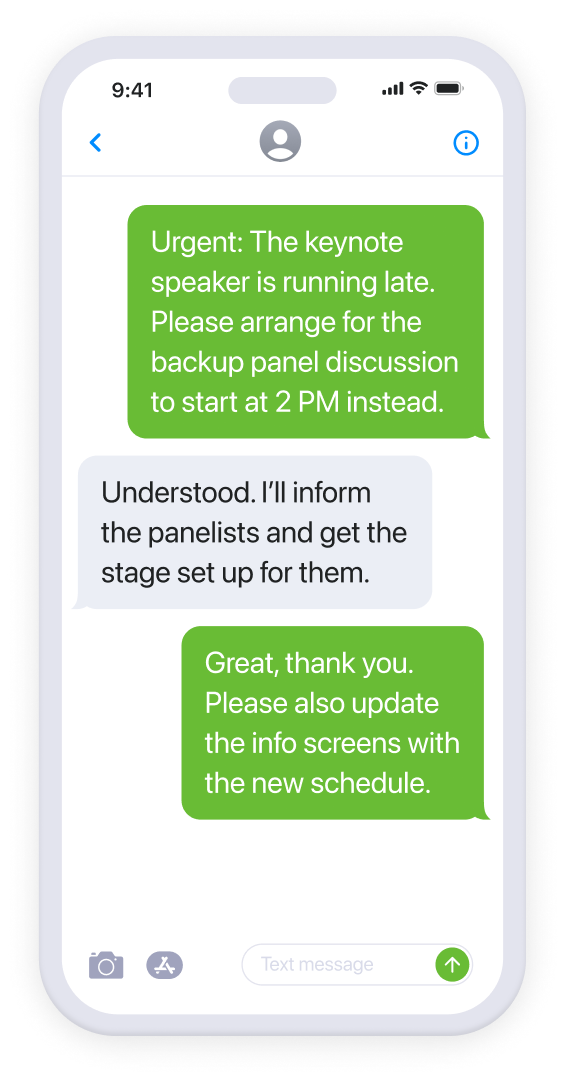
Notify attendees of any sudden alterations to the venue, timing, or guest speakers, thus ensuring that everyone stays well informed. By offering real-time clarifications, you enhance the experience and reduce potential confusion.
Incorporating SMS into your event coordination strategy will ensure that communications are swift, reduce the potential for chaos, and enhance the overall success and smooth functioning of the event.
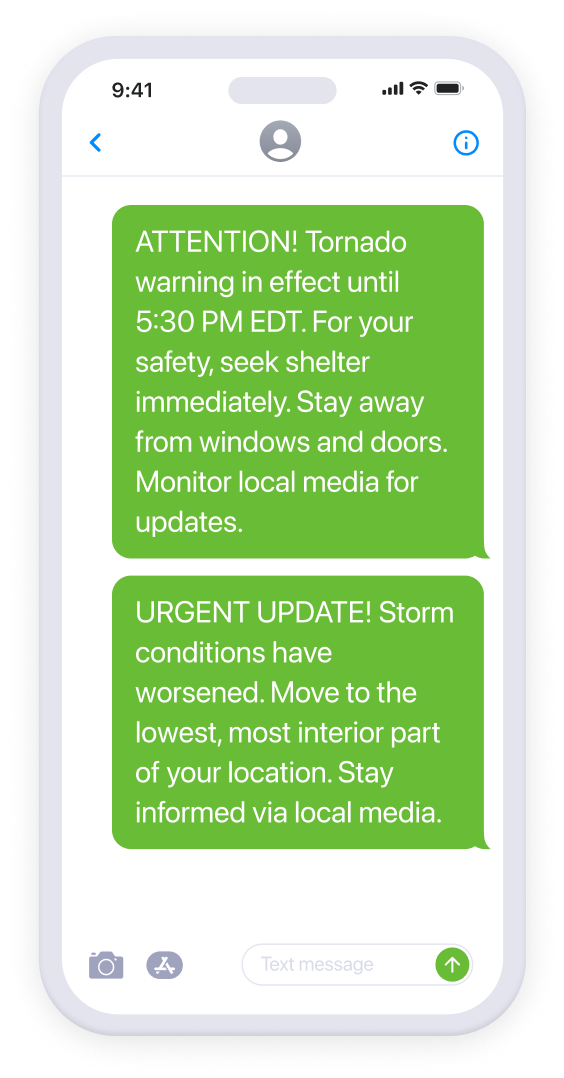
Swiftly inform people about the necessity to evacuate due to a hazard like a fire or other emergency. You can provide a brief list of essential safety measures and evacuation routes to ensure that the response is efficient and well organized.
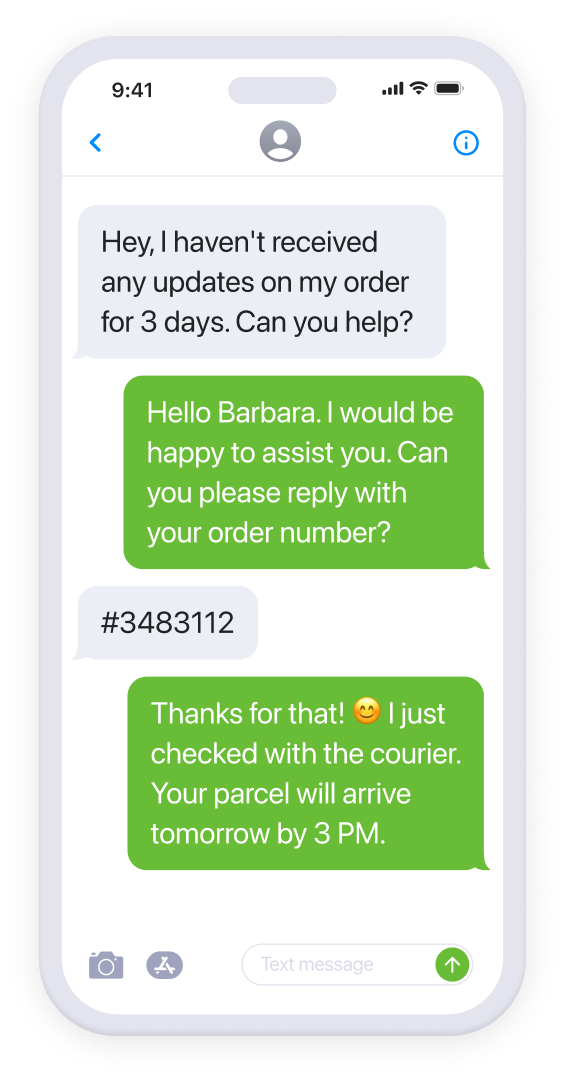
Keep recipients informed about the precise status of their deliveries by providing real-time tracking links, estimated arrival times, potential delays, and the name of the courier, thus enhancing clarity and anticipation.
Alert customers about renewals and upcoming bills. Provide them with a brief itemized summary, payment due dates, or payment confirmations. This added clarity ensures transparency and can reduce payment-related queries.
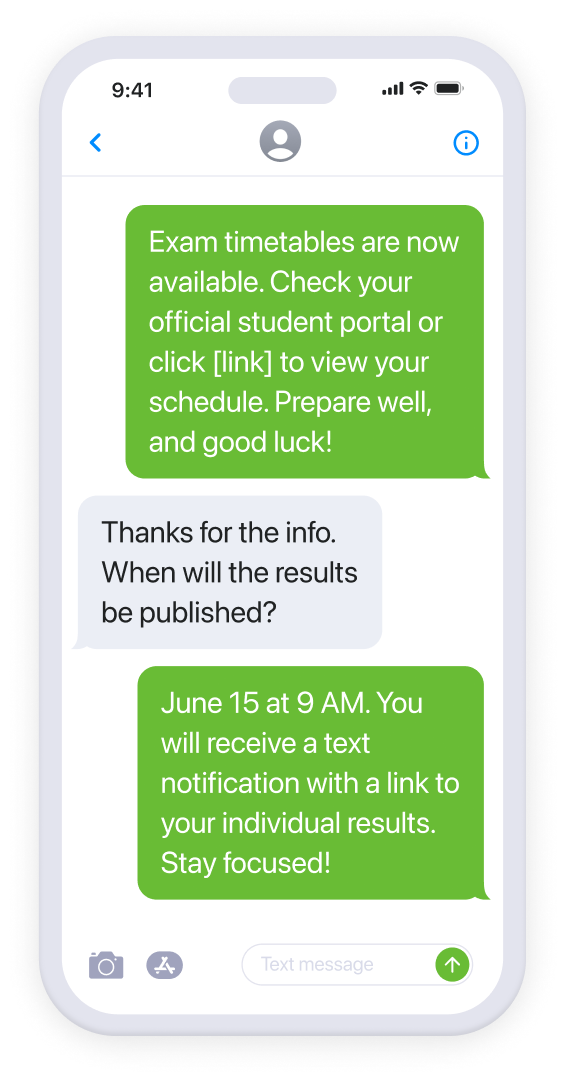
Efficiently distribute detailed schedules for upcoming exams.Afterward, confidentially notify students and parents about their individual results, and send relevant comments or resources for further learning and improvement.
Send personalized notifications to students and parents about upcoming deadlines for projects and assignments. Include submission instructions to encourage accountability and promote academic success.
Proactively update students and staff about anticipated school closures due to unforeseen events. Additionally, relay any modifications to the regular timetable or special class arrangements to maintain the flow of academic activities.
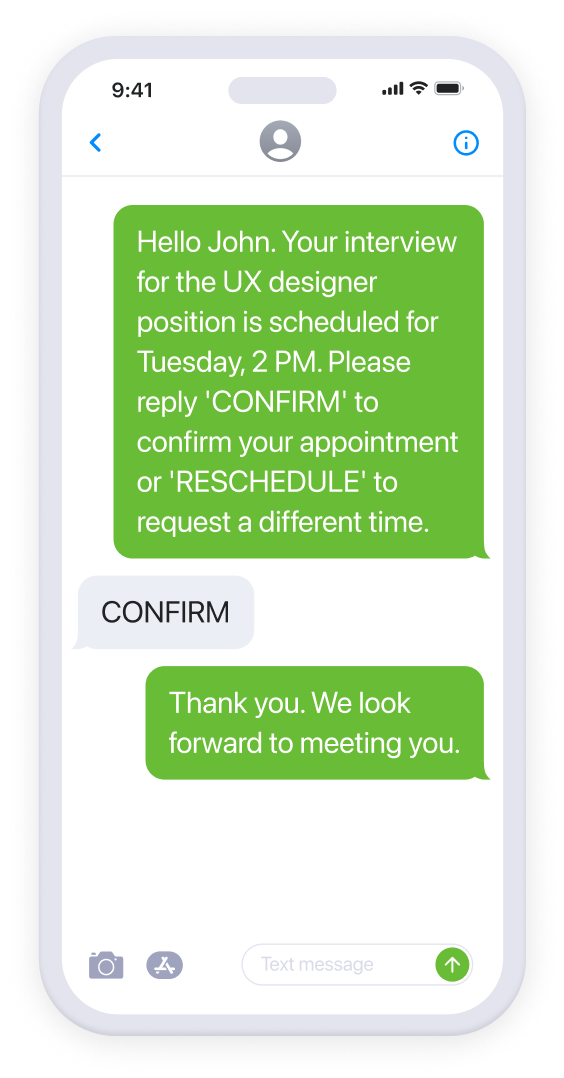
Send interview invitations directly to candidates’ phones and reinforce the importance of the opportunity for them with timely reminders. This will help to ensure candidates are well-prepared and punctual while reducing no-shows.
Easily distribute engaging SMS surveys to employees. Invite them to share feedback about their satisfaction, management effectiveness, and company culture. This will foster a workplace that values employee insights.
Use SMS to coordinate shift schedules. Proactively notify employees of available shifts and swiftly alert them to last-minute changes. Such communications ensure that staff are always informed and ready to act when needed.
We have simplified the process of connecting with your recipients. Learn why different target groups prefer texting over other communication channels.

Live chat

Ticketing system

Project management
Email campaigns
Live chat
Ticketing system
Project management
Email campaigns
Live chat
Ticketing system
Project management
Email campaigns
Live chat
Ticketing system
Project management
Email campaigns

Team chat

CRM

Cloud storage

Events & meetings
Team chat
CRM
Cloud storage
Events & meetings
Team chat
CRM
Cloud storage
Events & meetings
Team chat
CRM
Cloud storage
Events & meetings


Project management

CRM

eCommerce
Project management
CRM
eCommerce
Project management
CRM
eCommerce
Project management
CRM
eCommerce
Improve efficiency with automated text messaging workflows. Our no-code Zapier integrations and robust SMS APIs connect Textmagic to all your favorite apps and tools.
See why thousands of businesses have chosen Textmagic as their preferred communication platform.
We are enterprise-grade security compliant and adhere to high industry standards for safeguarding your data.
Average rating across business review sites. Thousands of users trust us with their business communication needs.
Our software is fully GDPR compliant, ensuring the protection and privacy of your sensitive information
We have been delivering exceptional service for 20+ years. Our clients love how easy it is to get started with us.
Around the world use our services every month to communicate with their customers, partners, and employees.
Textmagic integrates with over 1,000 apps. We also offer a robust API with user-friendly documentation.
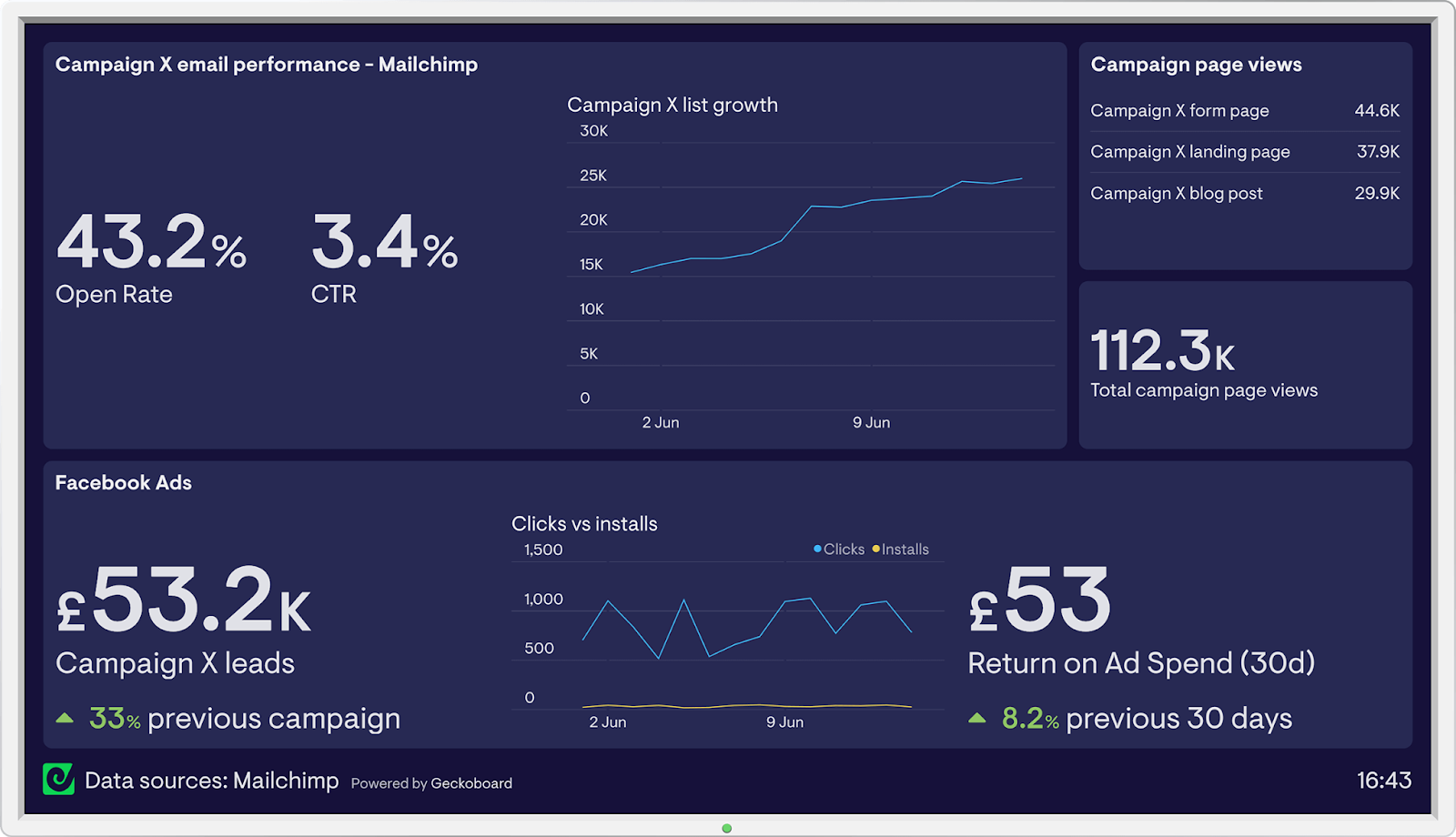
Here is how the Textmagic business texting platform is helping businesses daily to grow their revenue and improve their productivity.





















Haven’t found what you were looking for? Contact us now
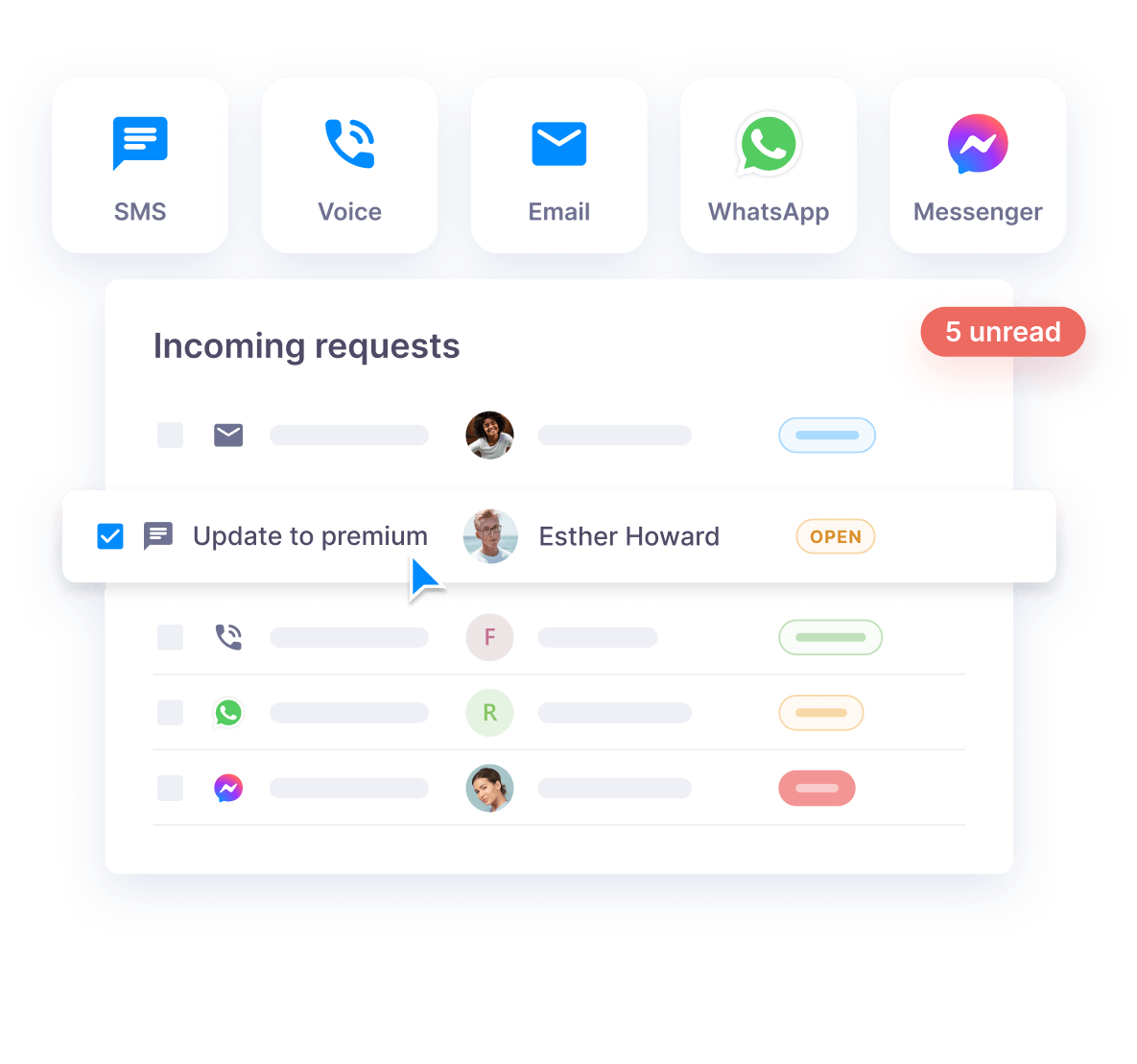
Our easy-to-use SMS platform is designed for small and medium-sized organizations with a comprehensive suite of tools tailored for business text messaging. This includes all needed features for SMS marketing, mass texting, two-way SMS chats, and internal communications, providing you with a holistic solution for all your texting needs.
To explore the full scope of Textmagic products and services, please check our Features page.
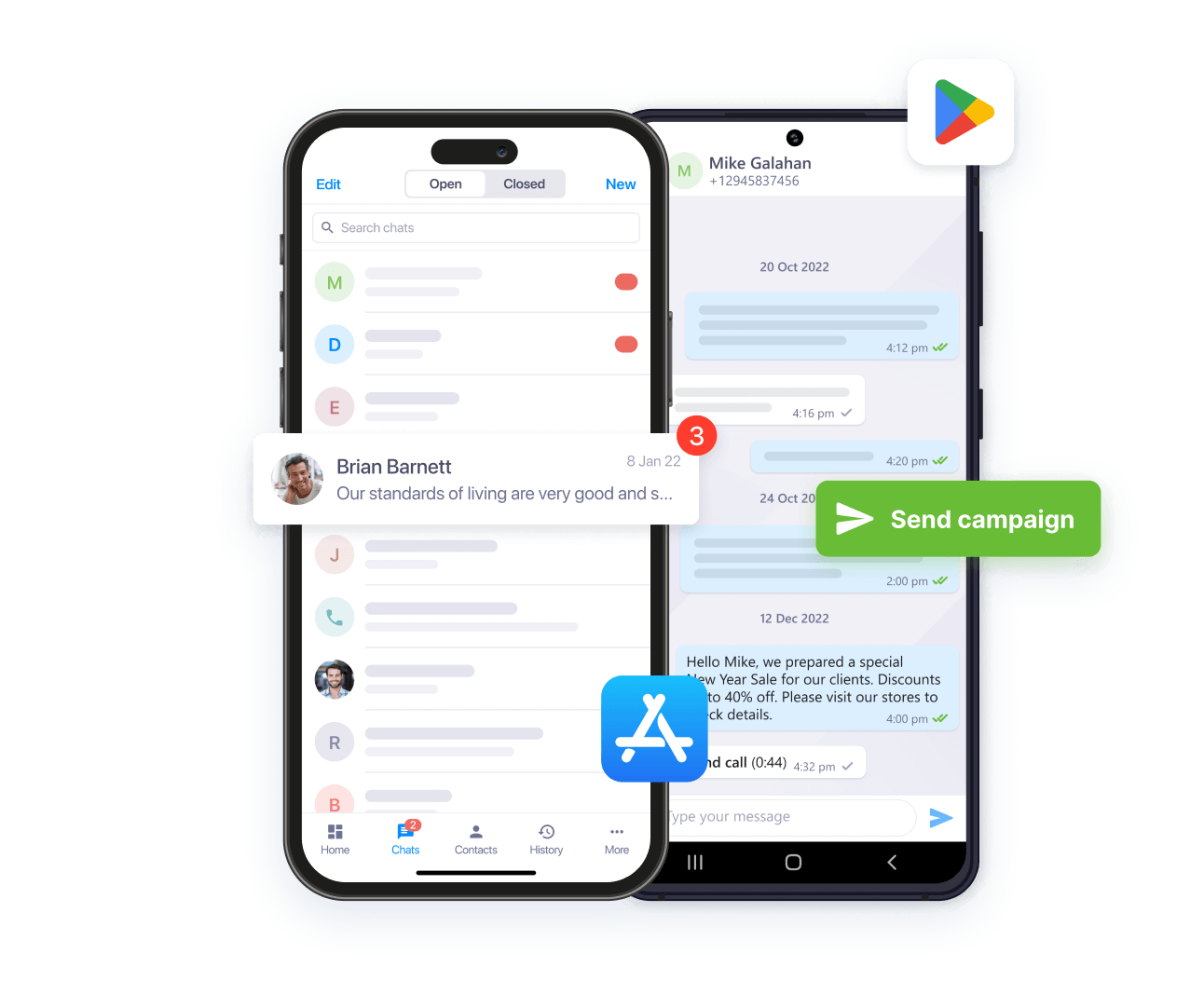
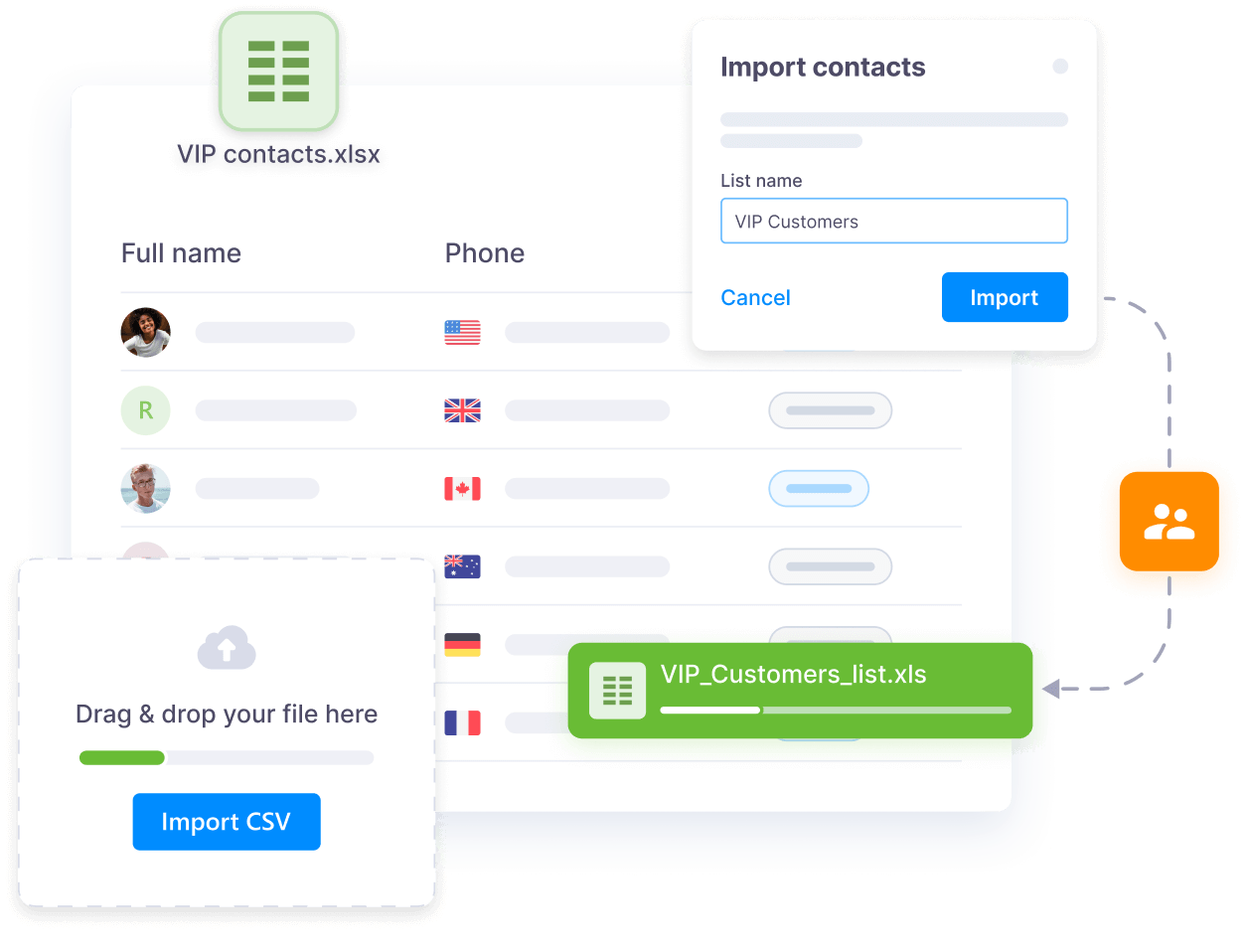
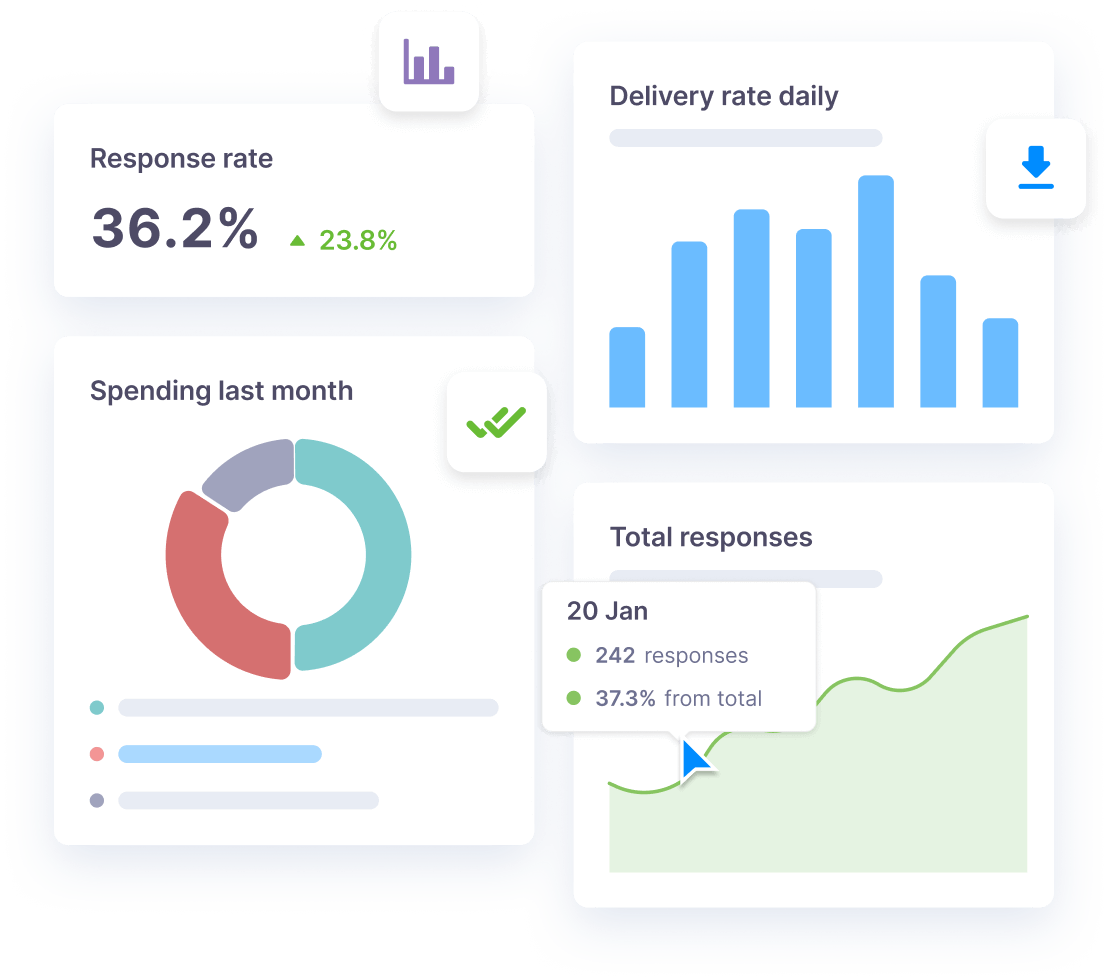
With our advanced mass text messaging features and smart import, you can easily build marketing lists, schedule campaigns, and track real-time engagement. This ensures that your text marketing campaigns not only reach the right audience but also deliver the expected results.
Absolutely! Our SMS service seamlessly integrates with popular CRM and marketing tools via Zapier, allowing to add text messaging to existing workflows. You can also connect Textmagic to your helpdesk ticketing software or any essential app via API and Email to SMS API for multi-channel support and enhanced business interactions.
Security is a top priority for us. Our platform is SOC2-certified and GDPR-compliant. We ensure the confidentiality and security of all text messages and business communications through state-of-the-art encryption and protocols.
To learn more about our security measures, please visit our Security page.
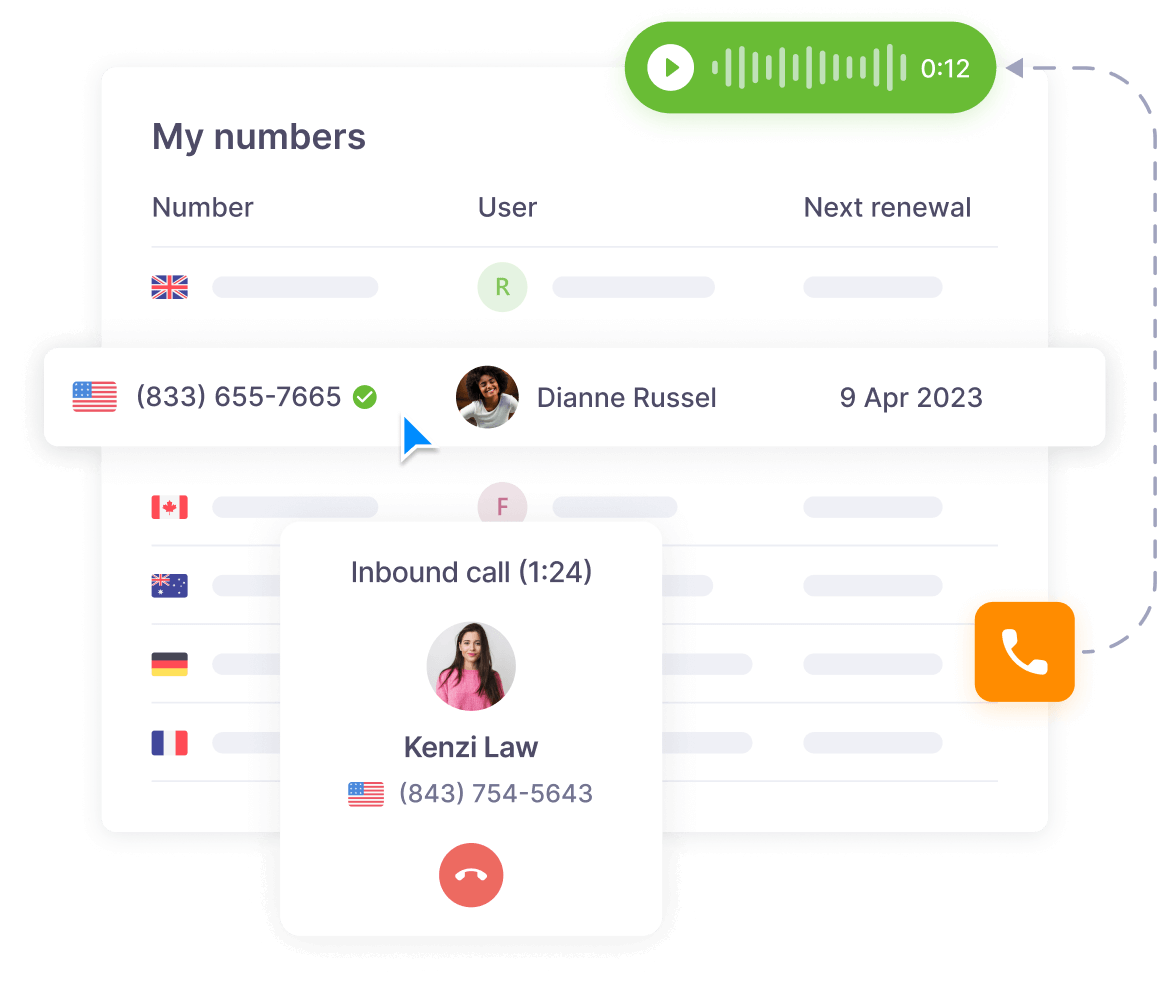
With our platform, you can send personalized mail-merge SMS campaigns that align perfectly with your brand’s voice. Messages can be sent from a dedicated voice-enabled virtual number or brand name (available in selected countries).
To ensure compliant two-way messaging in North America, you must use a local 10DLC or a verified toll-free number.
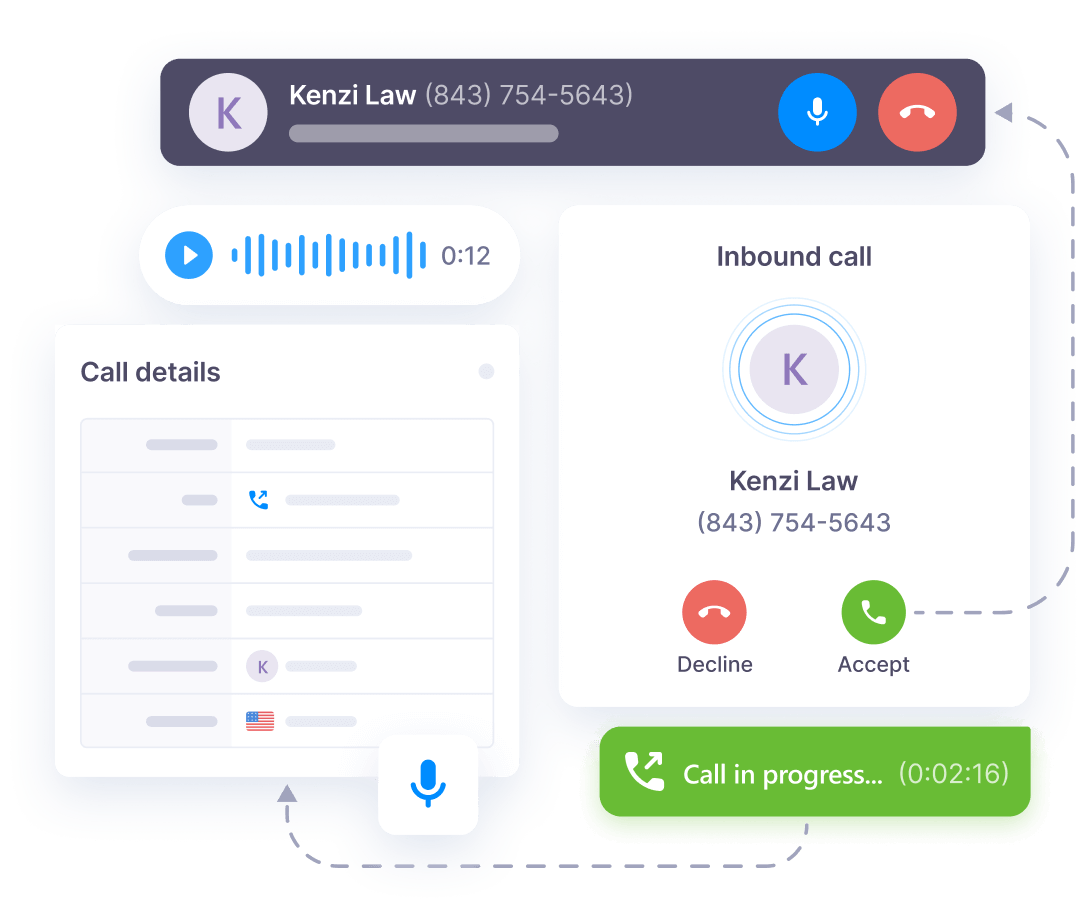
Our two-way SMS chat allows businesses to engage in real-time text conversations and voice calls with customers. These features are invaluable for providing instant support, addressing queries, or even gathering feedback – all through the client’s preferred channel and with the help of desktop notifications. Offering real-time support is crucial for customer satisfaction and revenue growth in today’s fast-paced world.
Setting up reminders and notifications is a breeze with Textmagic. You can instantly send reminders from the web, schedule recurring messages, or even automate texting drip campaigns using Zapier flows. With our Calendar view, you will always stay on top of your planned SMS campaigns. It’s a versatile and effortless way to keep your team and customers informed at the right time.
We provide extensive assistance and training materials for all our users. Our resources include detailed support articles, video training, and FAQs.
Our dedicated customer service team is available to assist you through your preferred channels, such as phone support, live chats, and 24/7 email support.
Our business texting platform is designed to help you become and stay compliant with global texting regulations from day one with the following features:
We keep our platform up to date with the latest industry standards to ensure all your SMS campaigns remain compliant with regulations.
